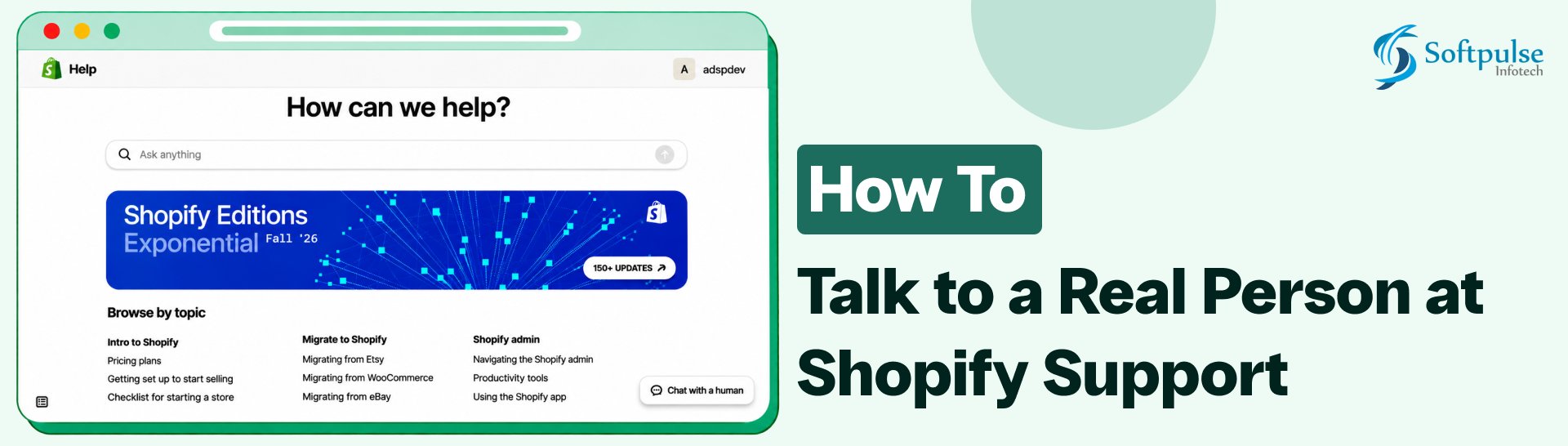
To contact Shopify Support, go to the Shopify Help Center, search for your issue, and select Chat with a human. Chat is available 24/7 on all plans, while phone and email support are limited to eligible plans such as Plus and Retail.
Theme edits and Liquid changes are best handled through professional Shopify theme customization.
Shopify’s support options depend on your subscription plan and the type of assistance you need. In 2026, the main way to contact Shopify Support is through the Shopify Help Center, where you can use AI-powered search and connect with a human Support Advisor through chat. Phone and email support are available only for eligible plans and subscriptions.
1. Start With the Shopify Help Center
Start at the official Shopify Help Center to search for answers or chat with a Support Advisor.
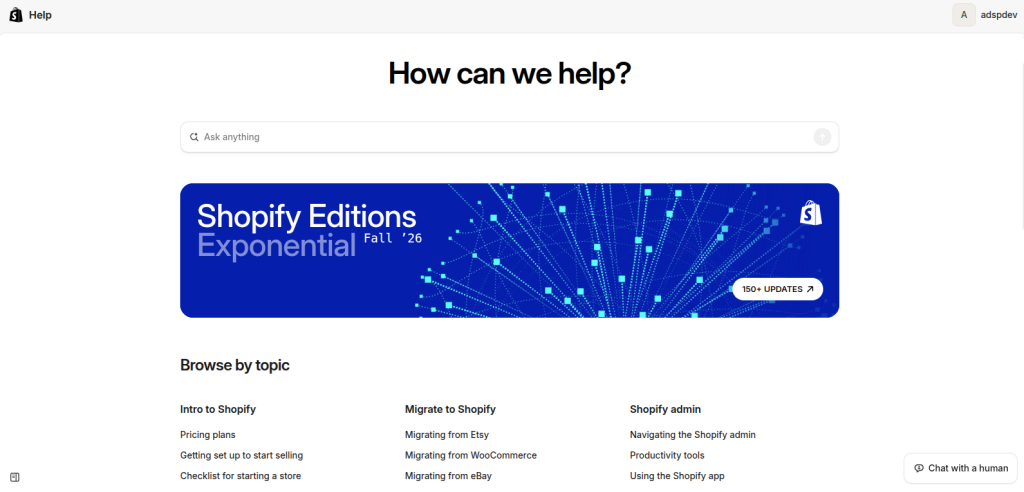
Shopify currently recommends using its AI-powered search before connecting with a human Support Advisor. The search can provide relevant Help Center articles and step-by-step instructions for common problems.
When should you use it?
The Help Center is useful for questions involving:
- Shopify admin settings
- Products and collections
- Orders
- Payments
- Shopify Markets
- Shipping
- Taxes
- Domains
- Billing
- Store setup
- Shopify apps
- Themes
- Checkout
- Account issues
- Shopify POS
- Shopify Plus features
If the suggested articles don’t solve the problem, you can proceed to a human Support Advisor.
2. How to Contact Shopify Support Through Live Chat
For most Shopify merchants, live chat is the main way to contact Shopify Support.
Shopify currently lists chat support as available 24/7 across all plans.
Step-by-step: Contact Shopify Support by live chat
Step 1: Open the Shopify Help Center
Go to: help.shopify.com
You can access the Help Center from a desktop or mobile browser.
Step 2: Search for your problem
Enter a specific description of the problem in the Help Center search.
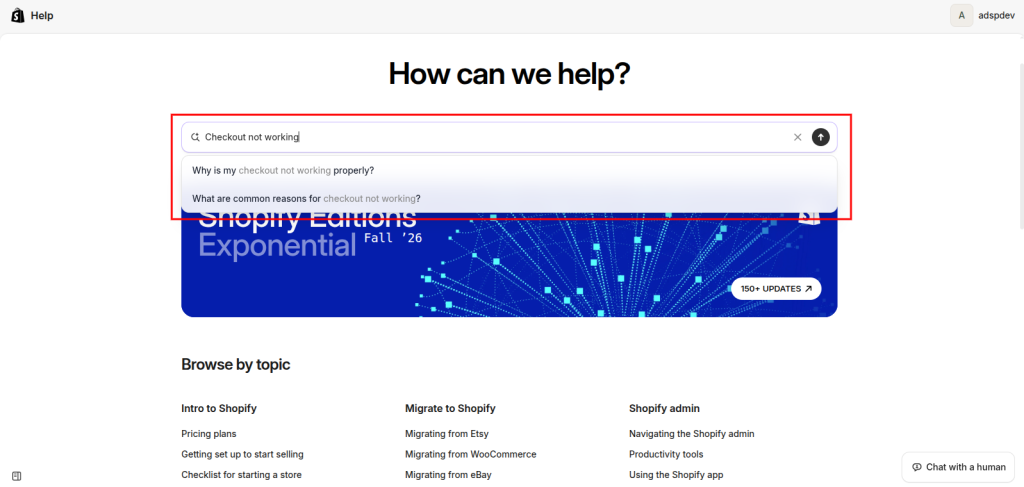
For example, instead of: “Payments problem”
Or instead of: “Checkout not working”
Being specific helps Shopify’s support system route you toward more relevant documentation and support options.
Step 3: Select the relevant support topic
Review the suggested Help Center results and choose the article or topic closest to your issue.
If the documentation doesn’t resolve the problem, continue toward support.
Step 4: Choose “Chat with a human”
If the suggested articles don’t resolve your issue, select Chat with a human to connect with a Shopify Support Advisor.
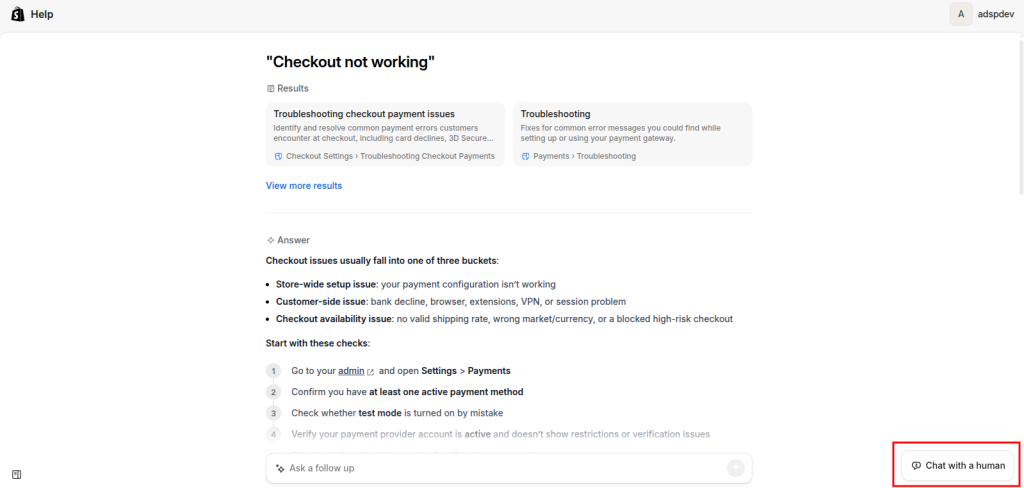
You may need to log in to your Shopify account and select the store related to your issue before joining the support queue.
Step 5: Log in to your Shopify account
What if you can’t log in to your Shopify account?
If you cannot access your account, select I can’t access my account during the Help Center login process.
You can also use Shopify’s official account access form: https://help.shopify.com/en/contact/login-issue
Follow the instructions to submit your login or account-access issue.
Step 6: Select the store you need help with
If your Shopify account has access to multiple stores, select the active store related to your issue.
This matters because support needs to know which store, account, or configuration the problem affects.
3. How to Talk to a Real Person at Shopify
One of the most common Shopify support questions is: “How do I talk to a real person at Shopify?”
You can find the current options on Shopify’s official contact page.
The current process is to go through the Help Center support flow and, when available, select Chat with a human.
Older Shopify guides and Community discussions may mention different buttons, callback options, or older contact flows. Shopify’s current Help Center documentation should be treated as the authoritative source because the interface can change.
If the AI assistant doesn’t solve your problem
If the suggested articles and AI-powered search don’t resolve your issue, select Chat with a human to connect with a Support Advisor.
When explaining your problem, clearly mention:
– You have already reviewed the suggested documentation.
– The issue is still occurring.
– You need assistance from a human Support Advisor.
Keep the conversation focused on the original issue and provide any additional information requested by the advisor.
Avoid repeatedly starting new conversations for the same issue. Continuing through the existing support conversation helps preserve the troubleshooting history.
4. Does Shopify Have Phone Support?
Yes – but phone support isn’t available to every Shopify merchant.
This is an important difference from older Shopify support guides.
According to Shopify’s current documentation:
- Shopify Plus: phone support
- Shopify Retail: phone support
- Shopify POS Pro: phone support through the Shopify Help Center
- Other Shopify plans: chat support rather than general direct phone support
Shopify specifically states that merchants without enhanced phone support can’t request a callback or directly phone Shopify Support.
Shopify Plus phone support
If you’re considering a move to Plus for priority support, a Shopify Plus agency can guide the migration and setup. Shopify Plus merchants have access to enhanced support, including:
- Priority chat
- Direct phone support
- Email support
Shopify describes Plus as having 24/7 priority phone and chat support.Support is just one benefit, so see the top features of Shopify Plus before you upgrade.
Shopify Retail and Shopify POS Pro Phone Support
Merchants on the Shopify Retail plan can access phone and email support through Shopify’s support channels.
Shopify POS Pro users can access inbound phone support through the Shopify Help Center after logging in and selecting their store.
Important: Shopify Support does not make outbound phone or video calls on any Shopify plan. Use the authenticated Help Center to contact support rather than relying on phone numbers found on unofficial websites.
5. Does Shopify Offer Email Support?
Yes, but email support is available only for eligible subscriptions.
Shopify currently lists email support for:
- Shopify Plus
- Shopify Retail
Merchants on standard Shopify plans should primarily use the Help Center’s live chat.
For Shopify Plus and Retail merchants, Shopify indicates that typical email response times can be around 48 hours, although actual response times may vary depending on the issue.
If email support is available for your store, you can access the option through the Shopify Help Center after logging in and selecting your store. Not sure which plan fits your store? Here’s how Shopify and Shopify Plus compare.
6. How Shopify Support Escalation Works
Sometimes the first Support Advisor cannot resolve an issue.
This can happen when the problem requires access to a specialized internal team.
Examples can include:
- Account verification
- Shopify Payments issues
- Account security
- Ownership problems
- Complex billing issues
- Platform-level bugs
- Certain technical problems
In these situations, a Support Advisor may escalate the case to the appropriate team.
Shopify’s Community documentation also describes cases where Support Advisors escalate requests to specialized teams, with the specialized team communicating through email when appropriate.
An escalation does not necessarily mean that the issue will be resolved immediately. The specialized team may need additional information or time to investigate the problem.
Keep your original support conversation and reference number so you can follow up without repeating the entire troubleshooting process.
7. How to Request an Escalation
If your issue genuinely requires an internal Shopify team, don’t simply say:
“Please escalate.”
Instead, provide the Support Advisor with a concise technical summary.
Include:
- Store URL
- Store name
- Issue description
- Date/time the issue started
- Exact error message
- Steps to reproduce
- Expected behavior
- Actual behavior
- Screenshots
- Screen recording, if useful
- Relevant order/product/customer IDs
- What you already tried
- Previous ticket number, if applicable
This gives the Support Advisor useful information instead of requiring them to reconstruct the problem from a long conversation.
8. What to Do If Shopify Support Says Your Issue Is Escalated
After an escalation, avoid opening multiple unrelated tickets for the same issue unless Shopify specifically tells you to.
Instead:
- Save the ticket/reference number.
- Keep the escalation email.
- Monitor your email inbox.
- Check Support Inbox when applicable.
- Reply within the existing support thread when instructed.
- Provide additional information promptly if Shopify requests it.
This is especially important for issues involving account security, Shopify Payments, store ownership, or verification.
Note: Shopify Support Inbox tickets are generated after live chat sessions with Support Advisors. If you submit the account-access form because you cannot log in, a Support Inbox ticket will not automatically be created. Follow the communication instructions provided by Shopify for your request.
Frequently Asked Questions
1. Is Shopify Support available 24/7?
Yes. Shopify currently lists chat support as available 24/7 for all Shopify plans. Shopify’s AI-powered Help Center search is also available around the clock.
2. Can I call Shopify Support?
Phone support is available for Shopify Plus and Shopify Retail merchants. Shopify POS Pro users can also access inbound phone support through the Help Center. Standard Shopify plans do not have general direct phone support or callback options.
3. Does Shopify have an email support address?
Email support is available for Shopify Plus and Shopify Retail merchants. Standard Shopify plans primarily use the Help Center’s live chat support. If email support is available for your store, the option will appear through the authenticated Help Center.
4. How do I talk to a real Shopify employee?
Go through the Shopify Help Center, describe your issue, and use Chat with a human when the option appears.
5. Can Shopify Support fix custom Liquid code?
Usually not. Shopify recommends Shopify.dev, the .dev Assistant, Community, or a Shopify Partner for custom development. There are additional support capabilities for Shopify Plus and Partners. For custom code issues that Shopify Support doesn’t cover, you can hire Shopify developers to fix them quickly. Wondering what a developer can handle? Read what a Shopify developer can do for you.
6. Where can I find my Shopify support tickets?
For Starter, Basic, Grow, and Advanced stores, use Shopify Help Center > Account/Profile > Support Inbox. Shopify Plus and Enterprise merchants should generally check their email for support-ticket updates
7. Can I contact Shopify Support if I can’t log in?
Yes. Go to the Shopify Help Center and select I can’t access my account when prompted to log in. You can also submit the official account-access form to get help recovering access. If you’re locked out, submit the Shopify account access form to get help recovering your account.
8. Does Shopify Support call merchants directly?
No. Shopify states that its Support team does not make outbound phone or video calls on any Shopify plan. Always initiate contact through the official Shopify Help Center.